A practical buying guide for furniture, cabinetry and joinery manufacturers: how to size the table, spindle, drilling unit, software and infrastructure of a nesting CNC router before you request a quote.

Short answer: choose a CNC router for panel production by starting from the parts you make, not from the machine. Your sheet sizes decide the table, your materials and cycle times decide the spindle power and vacuum capacity, your hole patterns decide the drilling unit, and your design software decides the post-processor you need. Infrastructure, training and after-sales support then determine how quickly the machine becomes productive.
Key takeaways
- Size the machine table to the sheets you actually buy, plus room for the spoilboard and clamping.
- For nesting of MDF and chipboard, spindle power in the 9–12 kW range covers most furniture and cabinetry work.
- A zoned vacuum table and an adequately sized vacuum pump matter as much as the spindle for accuracy on small parts.
- An integrated vertical drilling unit removes a separate drilling step for most cabinet parts.
- Confirm CAD/CAM compatibility and the post-processor before you sign, not after installation.
- Plan power, compressed air and dust extraction early; they often take longer than the machine delivery.
What is a CNC router in panel production?
In panel-based furniture production, a CNC router is a computer-controlled machine that cuts, drills, grooves and shapes full boards of MDF, chipboard, plywood or laminated panels. When the parts of several cabinets are arranged on one sheet and cut in a single program, the process is called nesting. A nesting CNC router replaces several manual steps, such as sizing, boring and grooving, with one setup, which is why it is often the first machine a growing workshop automates.
The AXTEA AX-N 200 is an example of this machine type: it combines routing, drilling and milling in a single setup, with a 9 or 12 kW spindle, an integrated boring unit, a traveling tool magazine and a zoned vacuum table.
1. Start from your parts and your sheets
List the products you make today and the ones you plan to make in the next three to five years. For each, note the panel materials, thicknesses and the largest part. Then look at the sheets you buy. The most common formats in furniture production are 1220 × 2440 mm (4 × 8 ft), 1550 × 3050 mm (5 × 10 ft), 2070 × 2800 mm and 1830 × 3660 mm; in some regions 1200 × 2700 mm panels are also widely used.
The machine’s working area should accept your largest sheet with some margin for the spoilboard and for positioning. Buying a table smaller than your sheets forces you to pre-cut boards on another machine, which removes much of the benefit of nesting.
2. Vacuum table and hold-down
On a nesting router the part is held only by vacuum through a sacrificial MDF spoilboard. As parts get smaller, the area holding them shrinks, so hold-down becomes the limiting factor for accuracy and feed rate. Look for:
- A zoned vacuum table, so you can close the zones you do not use and concentrate suction where the sheet is.
- Vacuum pump capacity matched to the table size and the smallest parts you cut. Ask the supplier which parts sizes the configuration is designed to hold.
- Cutting strategies in the software, such as onion-skin passes and cutting small parts first, which keep small components from moving.
3. Spindle power and tool changer
For cutting MDF and chipboard in typical furniture thicknesses (16–25 mm), spindle power of 9–12 kW is the usual range. More power lets you run larger tools and higher feed rates in a single pass, but it only helps if the vacuum, the tooling and the machine structure can keep up.
The tool changer decides how many operations the machine can do without operator intervention. Count the tools a typical cabinet program needs: compression cutters for nesting, smaller cutters for details, grooving tools, and any profile or engraving tools. A traveling tool magazine that moves with the gantry keeps tool change times short.
4. Integrated drilling unit
Most cabinet parts need vertical holes for shelf pins, hinges and connectors. A drilling unit with multiple vertical spindles drills these patterns in seconds during the same program, instead of moving the parts to a separate boring machine. If your products also require many horizontal holes on panel edges, consider whether a dedicated six-sided drilling machine such as the AX-D 100 or AX-D 200 fits better alongside the router.
5. Nesting router or beam saw?
| Question | Nesting CNC router | Beam saw |
|---|---|---|
| Typical strength | Many different parts, shaped parts, drilling and grooving in one setup | High volumes of rectangular parts cut quickly from stacks |
| Part shapes | Any shape, including curves and cut-outs | Straight, rectangular cuts |
| Downstream steps | Edge banding; drilling often already done | Edge banding and drilling on separate machines |
| Best fit | Custom furniture, kitchens, made-to-order cabinetry | Serial production with repeating panel sizes |
Many growing factories end up with both: a beam saw for high-volume rectangular parts and a nesting router for everything else. Read more in our blog and compare the full machine range.
6. Software and CAD/CAM compatibility
The router is only as fast as the program you send it. Check which design and CAM software your team uses and confirm that a tested post-processor exists for the machine. AXTEA machines work with CAD/CAM programs such as Alphacam, Cabinet Vision, NC Hops, Mozaik, KCD and TopSolid. Ask the supplier to show the post-processor and a sample program running on your own parts.
Also consider labeling: printing a label for each part as it is unloaded keeps parts traceable through edge banding and assembly.
7. Infrastructure and floor space
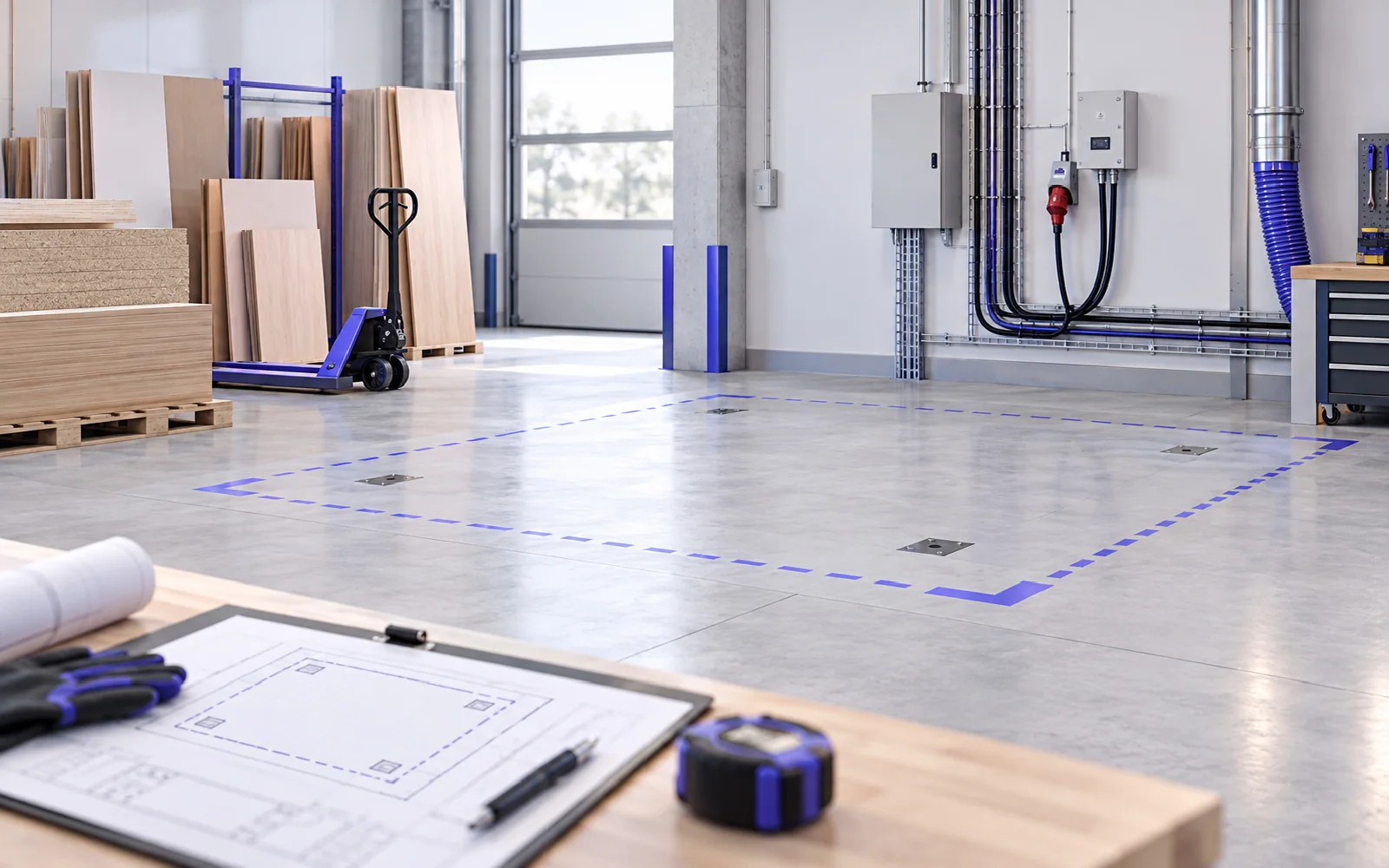
A nesting router needs a three-phase power supply, clean and dry compressed air, and a dust extraction system sized for the machine’s outlets. It also needs space around it for loading full sheets, unloading parts and maintenance access. Our guide on preparing your workshop for machine installation covers these requirements step by step.
8. Training, service and spare parts
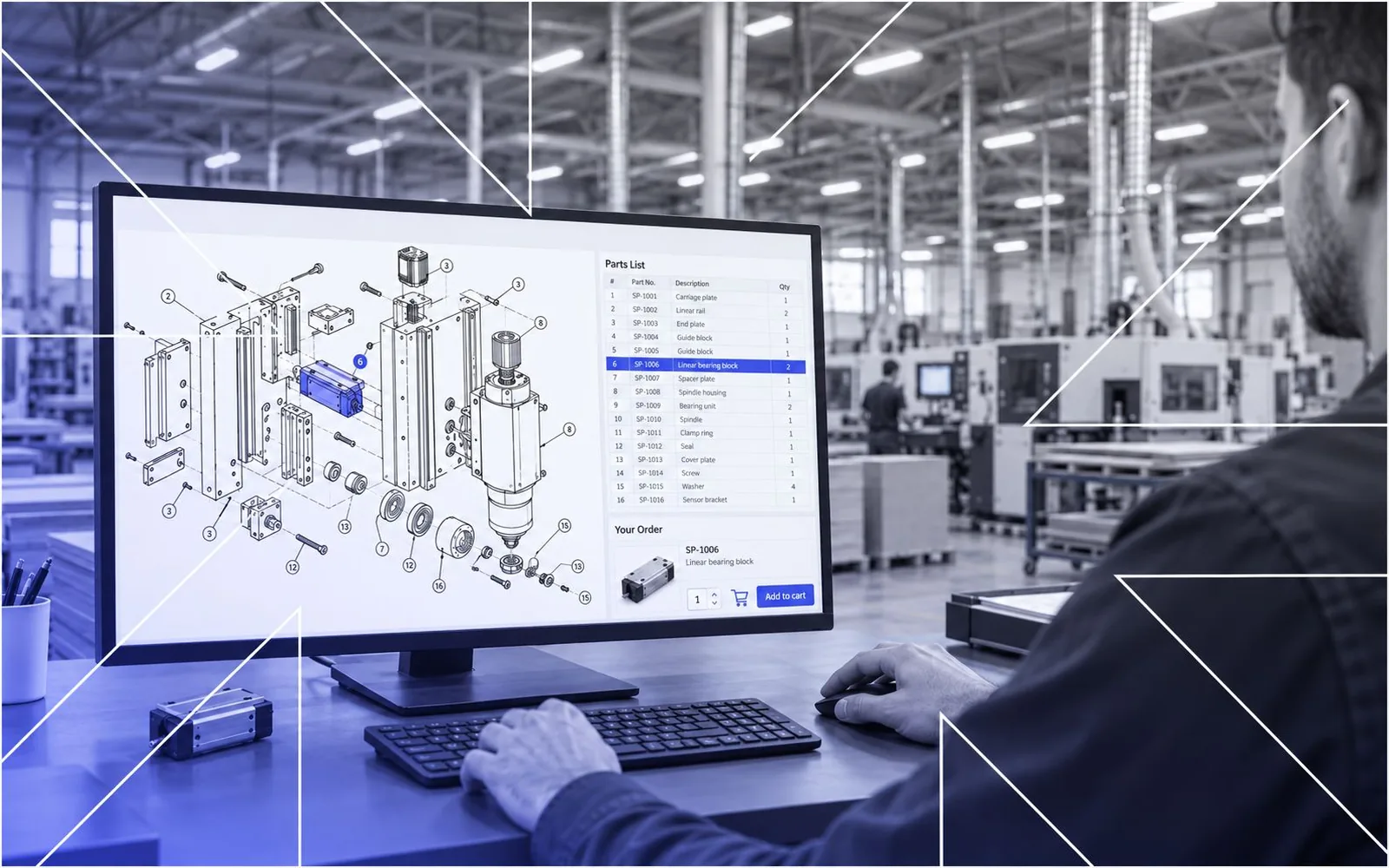
Ask how installation, commissioning and operator training are delivered, and who delivers them. Confirm whether the supplier can connect to the machine remotely for diagnostics, and how spare parts are identified and shipped. AXTEA provides installation and training by its own team, a call center with remote connection and spare part support with exploded parts drawings.
Checklist before you request a quote
- Your product types and expected volume for the next three to five years.
- Sheet formats, materials and thicknesses you process.
- The smallest part you need to cut on the nesting table.
- Typical hole patterns and whether horizontal drilling is needed.
- The CAD/CAM software your team uses.
- Available floor space, power supply, compressed air and dust extraction.
- Who will operate the machine and how many shifts you run.
Frequently asked questions
What table size do I need for a CNC router in furniture production?
Choose a working area that accepts your largest standard sheet with margin for the spoilboard. If you buy 2800 × 2070 mm boards, the table should be sized for that format; if you work with 2440 × 1220 mm sheets, a smaller table can be enough.
Is a 9 kW spindle enough for nesting MDF and chipboard?
For most furniture and cabinetry nesting in 16–25 mm boards, a 9 kW spindle is sufficient. A 12 kW spindle gives more headroom for larger tools, harder materials and higher feed rates.
Should I buy a nesting CNC router or a beam saw first?
If you make many different or shaped parts in small batches, a nesting router usually pays off first. If you cut large volumes of repeating rectangular parts, a beam saw is typically faster for that task.
Which software works with AXTEA CNC routers?
AXTEA machines work with CAD/CAM programs such as Alphacam, Cabinet Vision, NC Hops, Mozaik, KCD and TopSolid. The post-processor you will use is set up and explained during training.
Can I see a machine before buying?
Yes. Contact our sales team with your product mix and sheet formats, and we will recommend a configuration and arrange a demonstration on your own parts where possible.