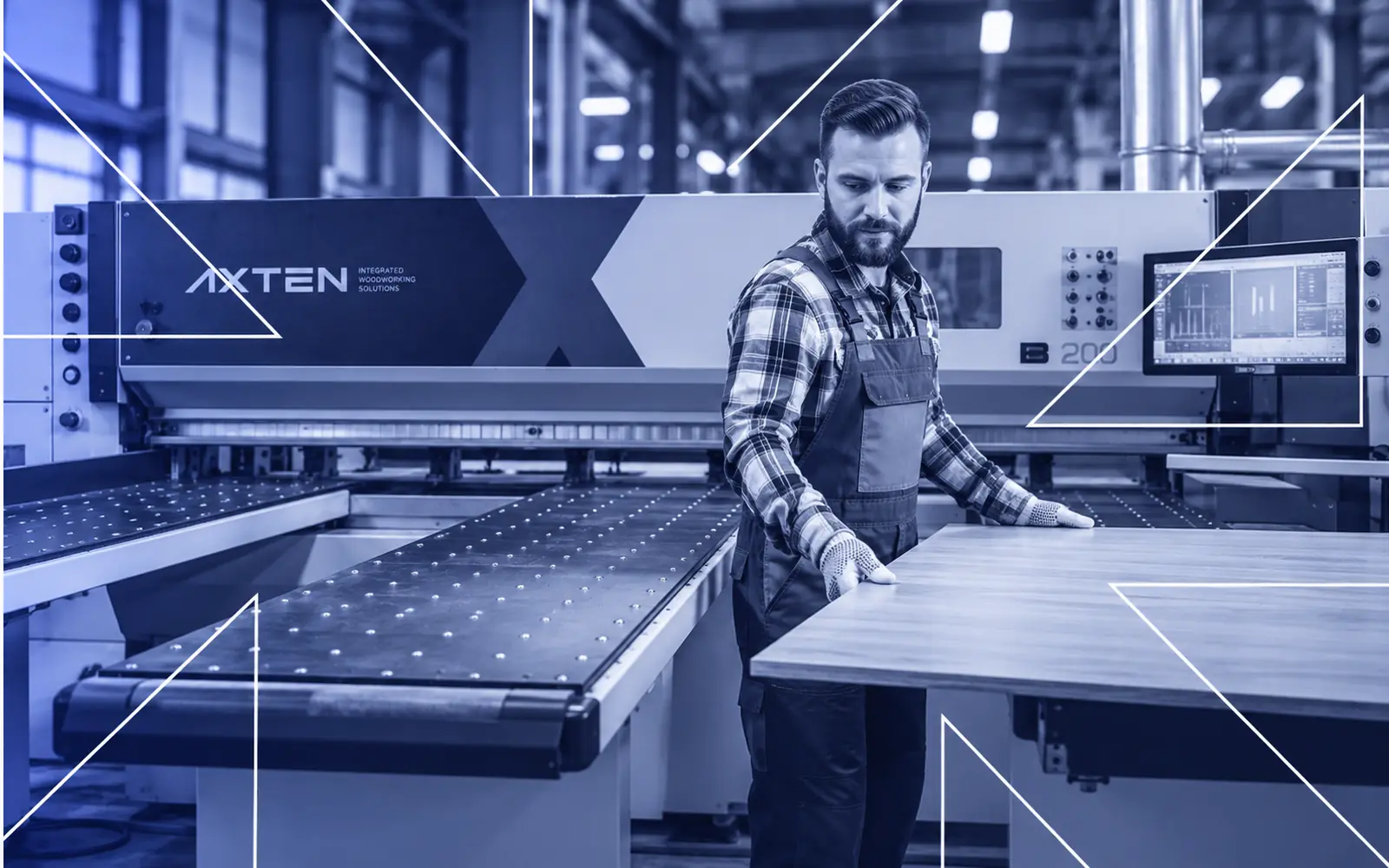
What happens between the day a woodworking machine is ordered and the day it runs a full shift: layout planning, installation, commissioning on your own material, operator training and support after handover.
Short answer: a new AXTEA machine goes from delivery to daily production in five stages: layout and infrastructure planning before delivery, on-site installation, commissioning with test cuts on your own material, hands-on operator training, and ongoing support through the call center, spare parts and planned maintenance. Every stage is delivered by AXTEA’s own team, not subcontracted.
Key takeaways
- Most of the work that makes installation day smooth happens before the machine arrives.
- Commissioning is finished only when the machine produces to specification on your own material.
- Training covers operation, tool and program changes, routine maintenance, safety and the CAD/CAM post-processor you will use.
- The same team that installs the machine stays reachable afterwards.
Why the first weeks decide the return on a machine
A new CNC router, edge banding machine, drilling machine or beam saw only starts paying for itself when it runs reliably in your normal shifts. Delays in that first period rarely come from the machine itself. They come from missing infrastructure, a layout that blocks material flow, or operators who were trained on a different setup. That is why AXTEA treats installation as a planned process with clear stages rather than a delivery date.
Stage 1: Layout and infrastructure planning
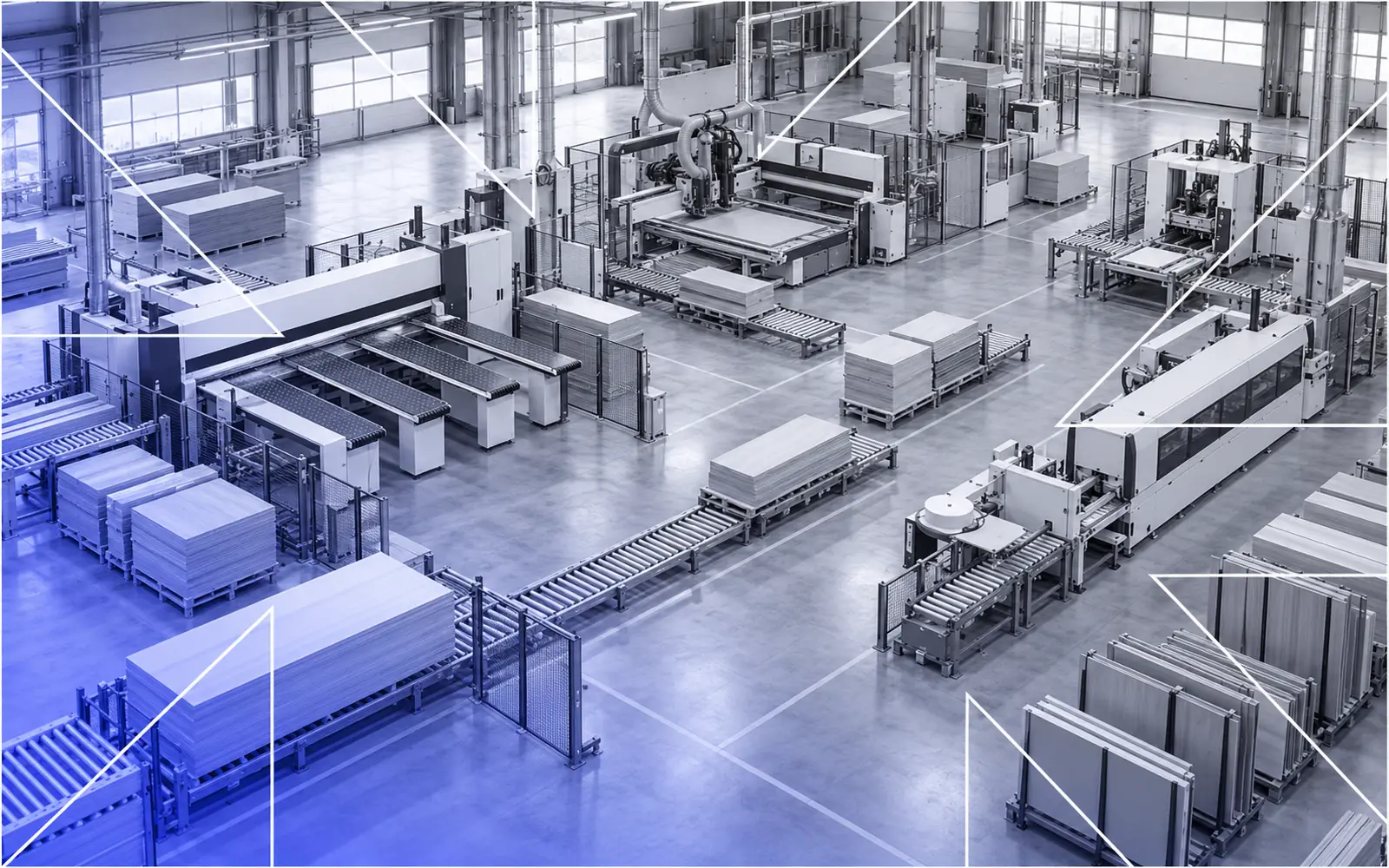
Before the machine arrives, AXTEA plans its layout within your production area and identifies the infrastructure it will need. The goal is simple: installation day should be assembly, not improvisation.
- Layout: where raw sheets come in, where finished parts go, and how the new machine connects to the next step of your line.
- Infrastructure: power supply, compressed air, dust extraction, floor conditions and an internet connection for remote support.
- Material flow: loading and unloading areas, walkways and space for maintenance access.
Our guide on preparing your workshop for machine installation lists everything to check in this stage.
Stage 2: On-site installation
On installation day the machine is positioned, levelled and connected according to the layout agreed with your team. Electrical, pneumatic and extraction connections are made to the points prepared in stage 1. Because the infrastructure was defined in advance, the installation team can focus on the machine itself.
Stage 3: Commissioning on your own material
Commissioning means proving that the machine does your work, not just that it runs. AXTEA calibrates the machine and carries out test cuts and acceptance runs until it produces to specification on your own material. For a nesting CNC router that means real sheets and real programs; for an edge banding machine it means your panels, your edge band and your glue.
Stage 4: Hands-on operator training
Training takes place on the machine itself and covers:
- Day-to-day operation and the control panel.
- Tool changes and program changes.
- Routine maintenance tasks the operator should perform.
- Safety procedures for the machine.
- The software side: AXTEA’s HMI works with CAD/CAM programs such as Alphacam, Cabinet Vision, NC Hops, Mozaik, KCD and TopSolid, and the training covers the post-processor setup your team will actually use.
For the best result, the operators and the person responsible for programming should be available for the whole commissioning and training period.
Stage 5: Support after handover
Handover is the start of the relationship, not the end. After the machine is in production, AXTEA supports it through:
- A call center with remote connection that lets engineers read the machine’s diagnostics and guide the operator in real time.
- Spare part support with exploded parts drawings, so parts are identified by number rather than description.
- Planned periodic maintenance and on-site repair when production cannot wait.
The process at a glance
| Stage | What happens | Your team’s role |
|---|---|---|
| 1. Planning | Layout and infrastructure requirements defined | Prepare power, air, extraction, floor and network |
| 2. Installation | Positioning, levelling and connection | Clear access and delivery route |
| 3. Commissioning | Calibration, test cuts and acceptance runs | Provide your own material and programs |
| 4. Training | Operation, maintenance, safety and software | Make operators and programmers available |
| 5. Support | Remote support, spare parts, maintenance | Keep the maintenance logbook and report issues early |
Frequently asked questions
Who installs AXTEA machines?
Installation, commissioning and training are carried out by AXTEA’s own expert team, not subcontracted. The same people who know the machine set it up, hand it over and stay reachable afterwards.
What does commissioning include?
Calibration, test cuts and acceptance runs on your own material until the machine produces to specification.
Which CAD/CAM software is covered in training?
AXTEA’s HMI works with programs such as Alphacam, Cabinet Vision, NC Hops, Mozaik, KCD and TopSolid, and training covers the post-processor setup you will use.
What support is available after installation?
Remote support through the call center, spare part supply with exploded parts drawings, planned periodic maintenance and on-site repair.
How do I start planning an installation?
Contact AXTEA with your floor plan, the machines you already run and the products you want to make on the new machine.
Last updated: